AutoTitles for DaVinci Resolve Studio 21
🎬 AutoTitles v26.4
Turn subtitles into editable Fusion Titles
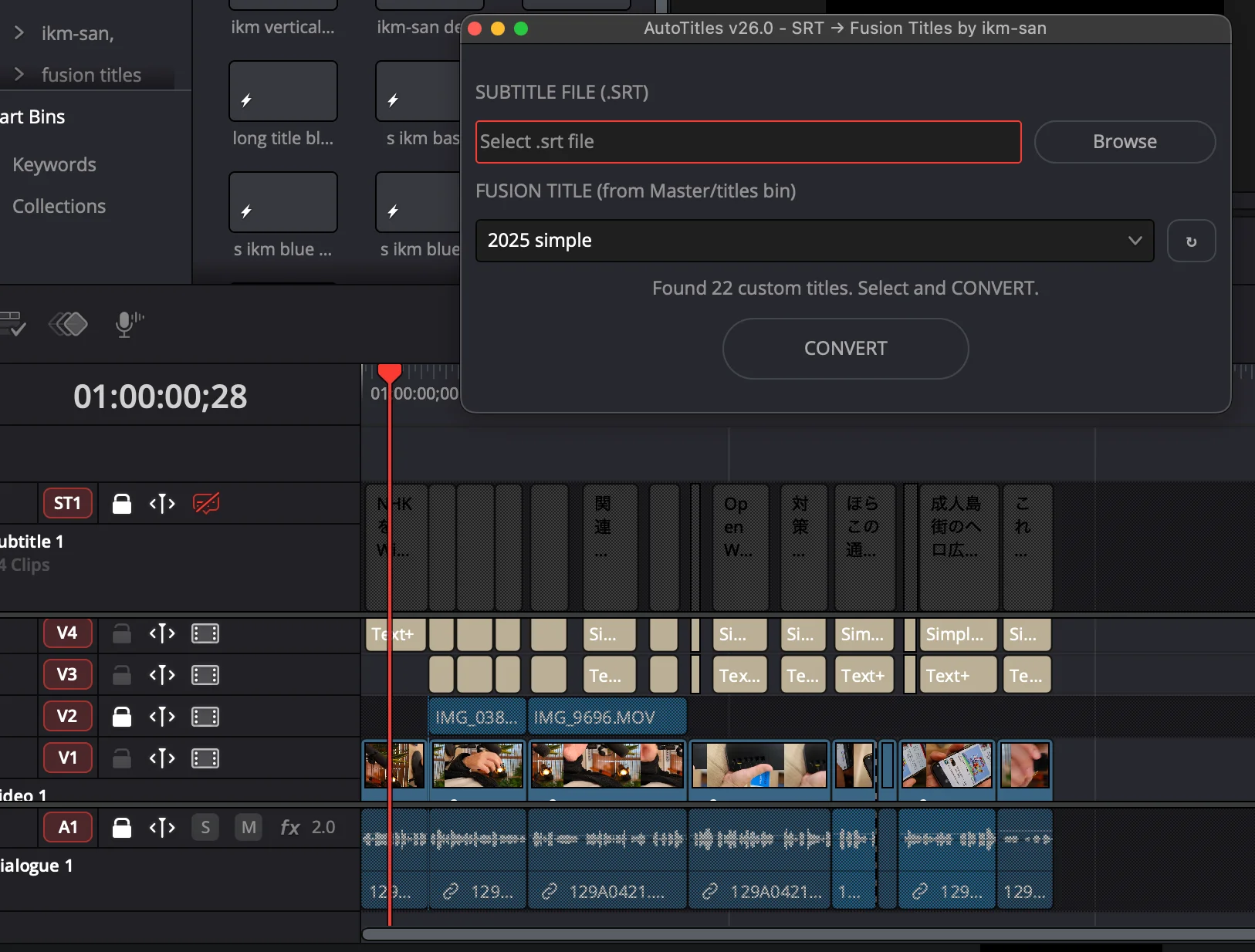
AutoTitles converts SRT files and Resolve subtitle tracks into real Fusion Title clips on your DaVinci Resolve timeline.
Use it when subtitle tracks are too limited and you want captions that can be styled, animated, revised, and delivered as part of the edit.
Confirmed for macOS and Windows. Updated 2026-06-30 for v26.4.
✨ Why editors buy it
- Convert
.srtfiles into editable Fusion Title clips. - Convert Resolve subtitle tracks without exporting SRT first.
- Keep subtitle timing while gaining full Fusion editability.
- Use the browser Plan Editor to clean up text before insertion.
- Map caption styles to your own titles in
Master/Titles. - Apply Resolve clip colors from the v26.4 style workflow.
⚡ Basic workflow
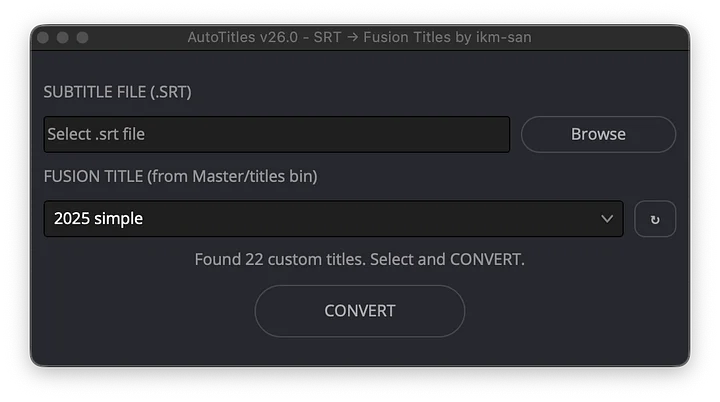
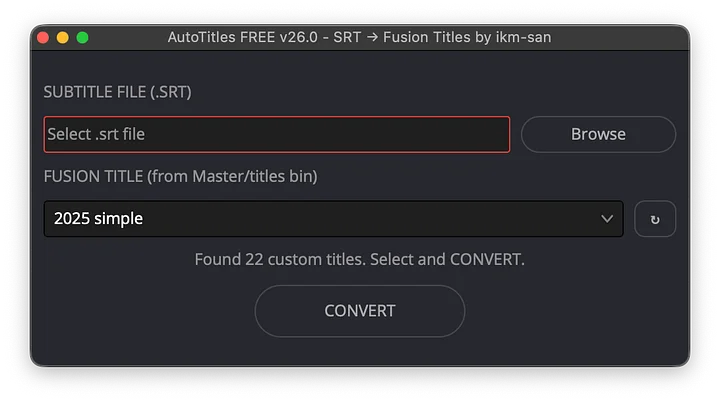
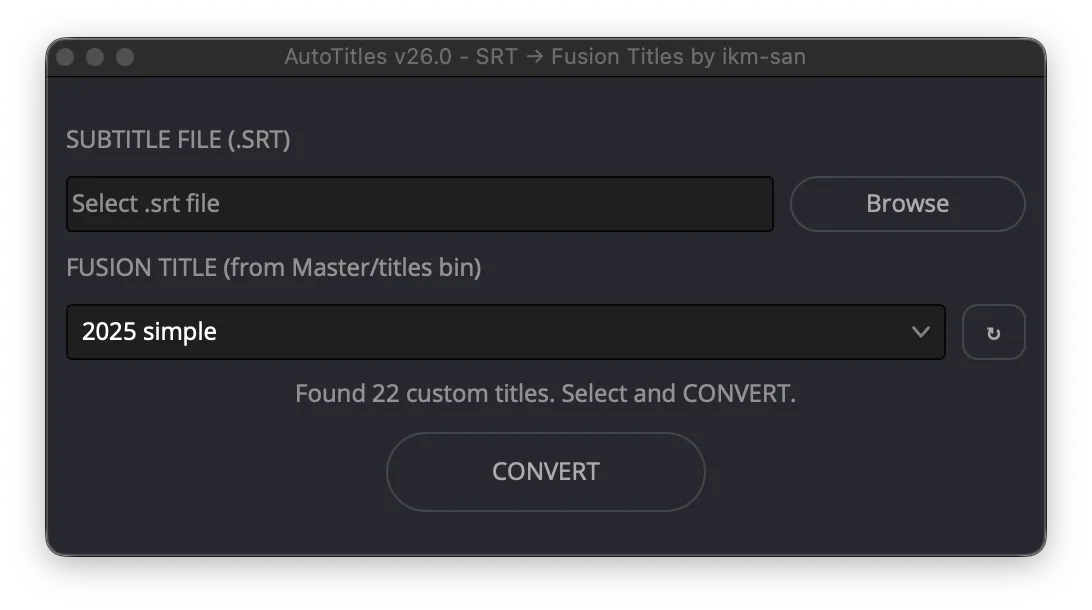
- Open AutoTitles from Resolve's Workspace scripts menu.
- Choose an SRT file or subtitle track.
- Pick built-in
Text +or your own Fusion Title template. - Use BASIC for fast conversion, or EDIT for the Plan Editor.
- Export
AutoTitles_plan.json, then click IMPLEMENT.
AutoTitles creates editable Fusion Title clips on a title track, so you can keep working in Resolve and Fusion instead of rebuilding captions manually.
🤖 Codex and headless mode
The paid package includes local automation files for Codex, Claude Code, and advanced Resolve scripting. Open the target Resolve project first, place title templates in Master/Titles, and enable External scripting using: Local.
SRT flow:
python3 tools/autotitles_cli.py list-titles --output titles.json
python3 tools/autotitles_cli.py create-style-config --titles titles.json --output style-config.json
python3 tools/autotitles_cli.py plan-from-srt "/path/to/subtitles.srt" --output plan.json
python3 tools/autotitles_cli.py validate-plan plan.json --config style-config.json --resolve
python3 tools/autotitles_cli.py preview-plan plan.json --config style-config.json
python3 tools/autotitles_cli.py run-plan plan.json --config style-config.json
Subtitle track flow:
python3 tools/autotitles_cli.py bundle-from-subtitle-track ST1 --output AutoTitles_plan.json
python3 tools/autotitles_cli.py preview-plan AutoTitles_plan.json
python3 tools/autotitles_cli.py run-plan AutoTitles_plan.json
Headless Lua mode can insert a prepared plan through AutoTitles.config.txt:
plan_path=/absolute/path/to/plan.json
style_config_path=/absolute/path/to/style-config.json
Run preview-plan before run-plan. Track replacement is opt-in.
✅ Requirements
- DaVinci Resolve Studio 21.0 or newer.
- macOS or Windows.
- A Resolve project with a timeline.
- SRT files or Resolve subtitle tracks.
Included: AutoTitles Lua script, Plan Editor, title library, style preset, examples, setup docs, and advanced CLI tools.