AutoTitles and ReplaceTitles Bundle Pack for DaVinci Resolve Studio 21
🎬 AutoTitles + ReplaceTitles Bundle v26.4
Create editable captions, then revise them fast
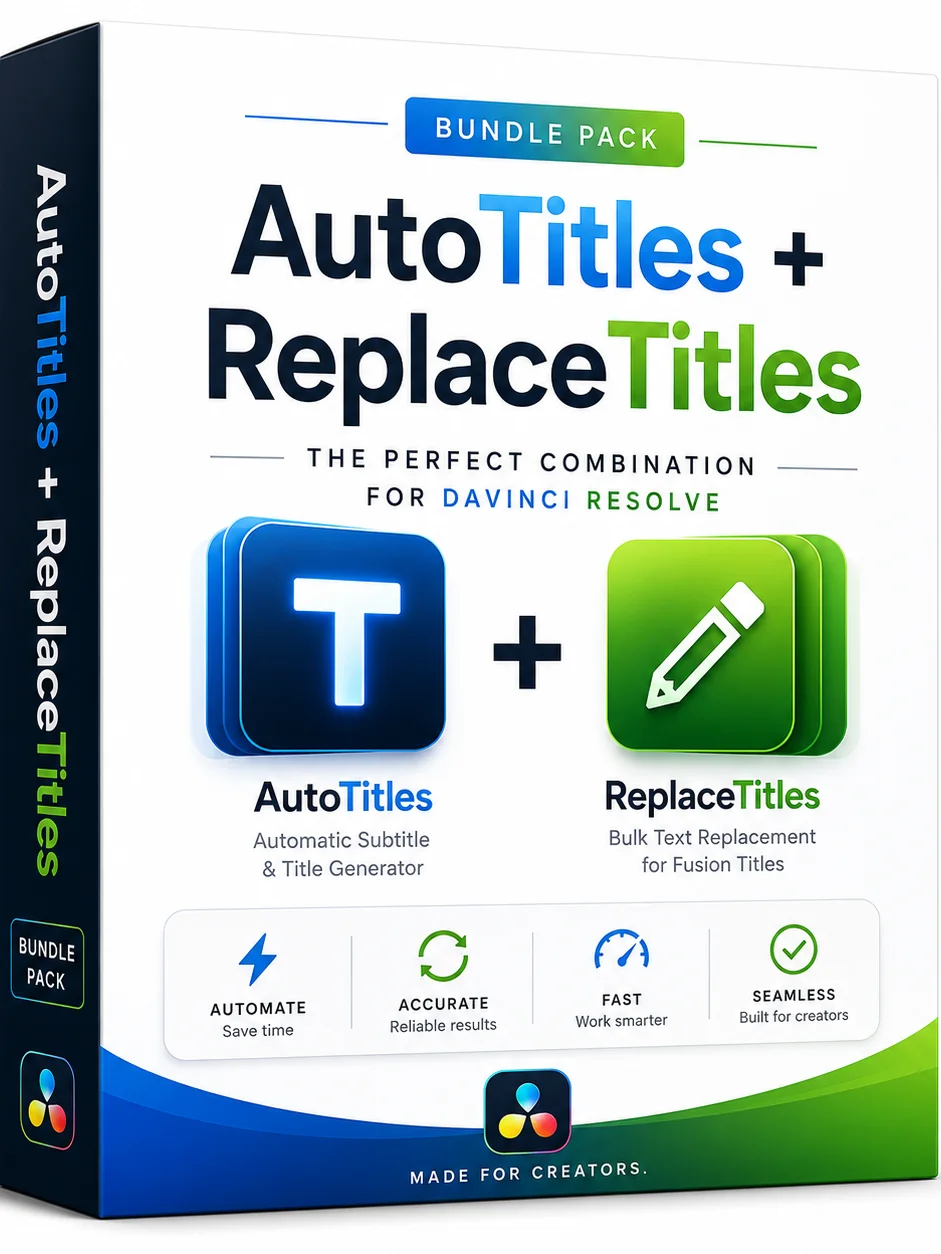
The bundle combines AutoTitles and ReplaceTitles into one DaVinci Resolve caption workflow.
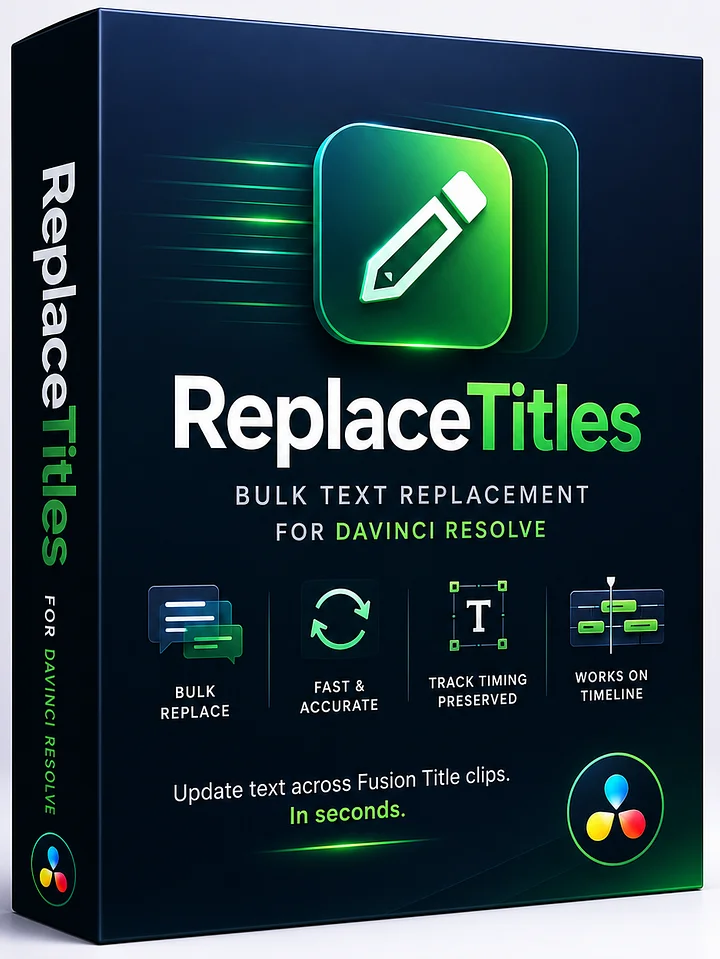
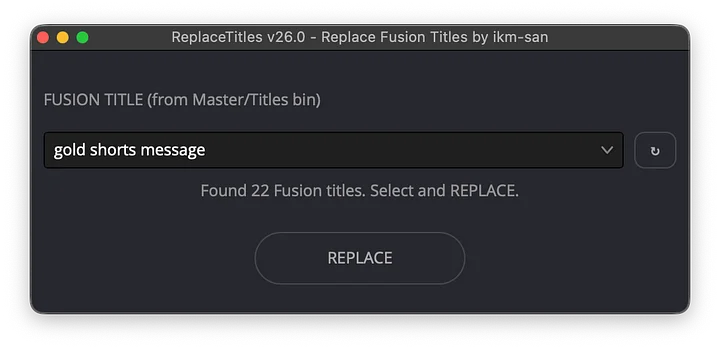
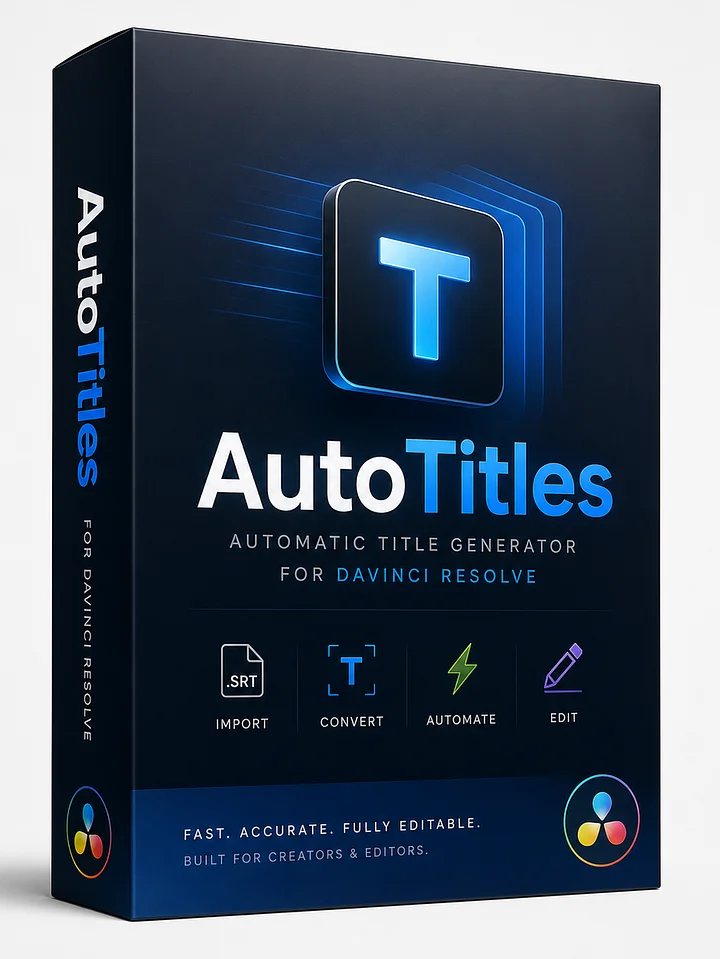
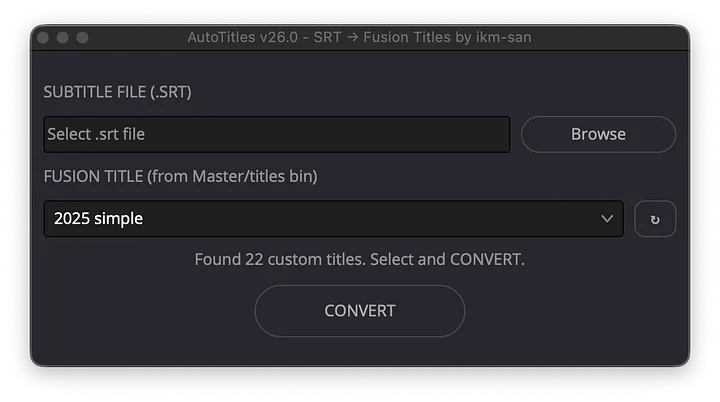
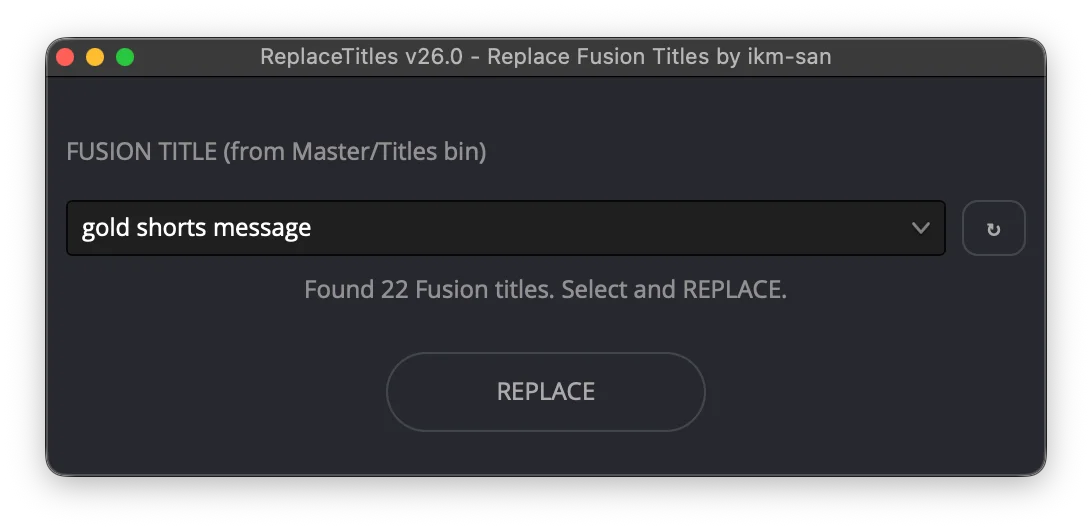
AutoTitles turns SRT files and Resolve subtitle tracks into editable Fusion Title clips. ReplaceTitles updates text across those title clips later without rebuilding the timeline.
Confirmed for macOS and Windows. Updated 2026-06-30 for v26.4.
💰 Bundle value
- AutoTitles is $30.
- ReplaceTitles is $20.
- Bundle price is $40.
- Save $10 compared with buying both separately.
- No 45 second AutoTitles Free product limit in the paid scripts.
📦 What you get
AutoTitles v26.4:
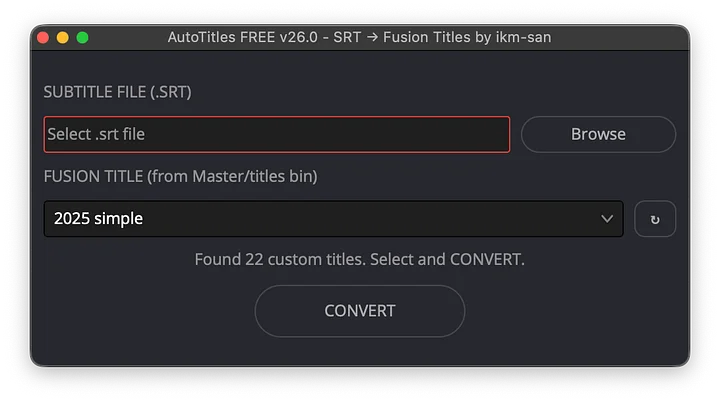
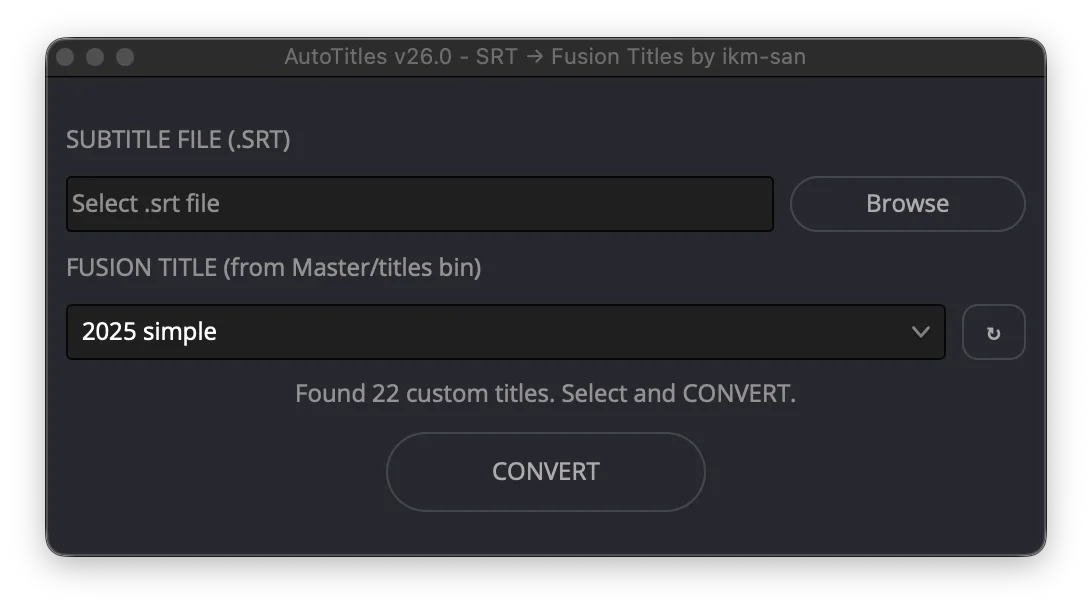
- SRT and Resolve subtitle track to Fusion Title conversion.
- Browser Plan Editor for caption cleanup and style assignment.
- Style IDs mapped to Fusion Titles in
Master/Titles. - v26.4 clip-color support.
ReplaceTitles v26.4:
- Bulk text replacement across Fusion Title clips.
- Current-track and broader title-revision workflows.
- Fast wording fixes for localization, client notes, and script updates.
⚡ Complete workflow
- Generate captions with Whisper, YouTube, Resolve, or a transcription service.
- Use AutoTitles to convert captions into editable Fusion Title clips.
- Style the titles with your own Fusion templates.
- Use ReplaceTitles later when wording changes.
🤖 Codex and headless mode
The bundle is best for a repeatable AI-assisted caption pipeline. The paid AutoTitles package includes the local CLI and JSON workflow that Codex can use while Resolve stays open.
Before automation, put title templates in Master/Titles and enable External scripting using: Local.
SRT flow:
python3 tools/autotitles_cli.py list-titles --output titles.json
python3 tools/autotitles_cli.py create-style-config --titles titles.json --output style-config.json
python3 tools/autotitles_cli.py plan-from-srt "/path/to/subtitles.srt" --output plan.json
python3 tools/autotitles_cli.py validate-plan plan.json --config style-config.json --resolve
python3 tools/autotitles_cli.py preview-plan plan.json --config style-config.json
python3 tools/autotitles_cli.py run-plan plan.json --config style-config.json
Subtitle track flow:
python3 tools/autotitles_cli.py bundle-from-subtitle-track ST1 --output AutoTitles_plan.json
python3 tools/autotitles_cli.py preview-plan AutoTitles_plan.json
python3 tools/autotitles_cli.py run-plan AutoTitles_plan.json
Headless mode can insert a prepared plan via AutoTitles.config.txt with plan_path and style_config_path.
✅ Requirements
- DaVinci Resolve Studio 21.0 or newer.
- macOS or Windows.
- SRT files, Resolve subtitle tracks, or existing Fusion Title clips.
Included: AutoTitles, ReplaceTitles, Plan Editor, title library, style preset, examples, setup instructions, and automation docs.