AutoTitles Free for DaVinci Resolve Studio 21
🆓 AutoTitles Free v26.4
Try SRT to Fusion Title conversion for free
AutoTitles Free lets you test the real AutoTitles workflow in DaVinci Resolve before buying the full version.
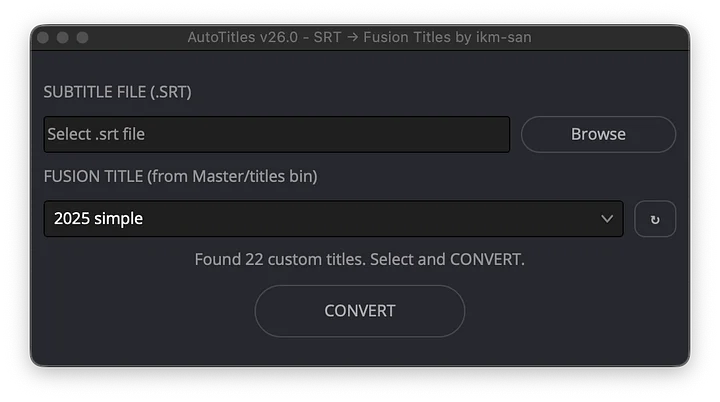
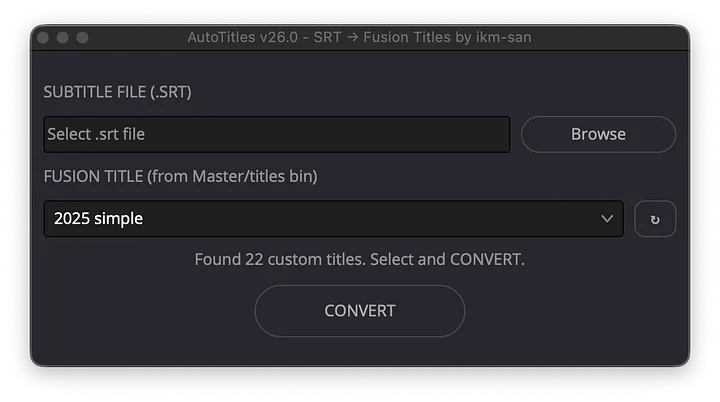
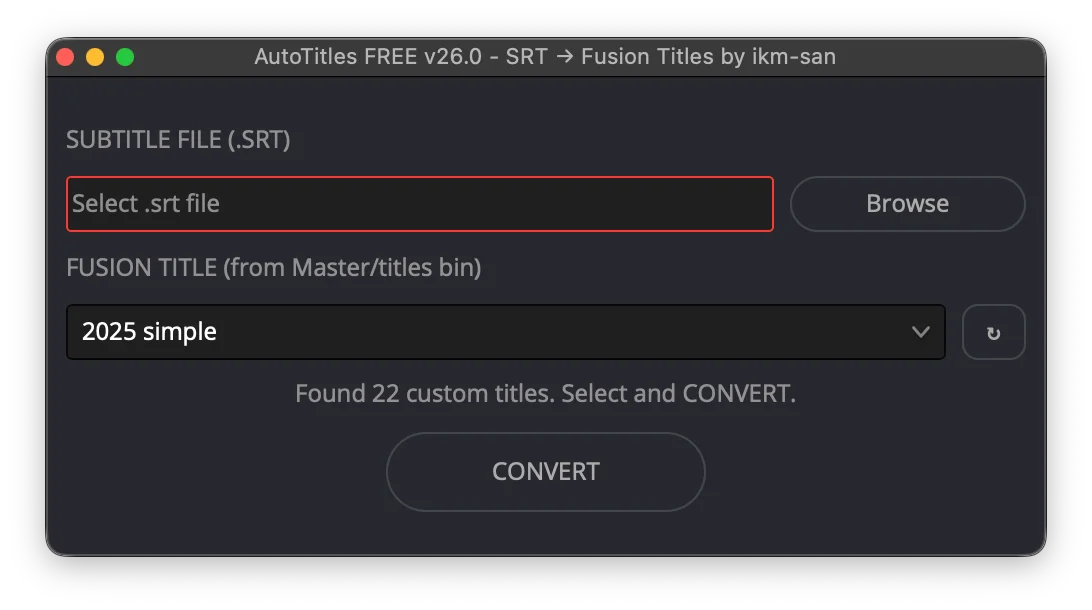
It converts SRT files and Resolve subtitle tracks into editable Fusion Title clips, with the same core workflow as the paid edition and a 45 second conversion limit.
Confirmed for macOS and Windows. Updated 2026-06-30 for v26.4.
✅ What you can test
- Import an
.srtsubtitle file. - Convert a Resolve subtitle track.
- Generate real Fusion Title clips on the timeline.
- Open the browser Plan Editor.
- Edit caption text before insertion.
- Try reusable style mapping.
- Confirm compatibility on macOS or Windows before buying.
⏱ Free version limit
AutoTitles Free inserts up to 45 seconds of captions per conversion.
The limit is designed for testing compatibility and workflow fit. If the tool works for your project and you need full-length conversion, upgrade to AutoTitles or the bundle.
🎨 Why Fusion Titles?
Subtitle tracks are useful for simple captions. Fusion Titles are better when captions need to look like part of the edit.
- Animate captions.
- Use custom fonts and layout.
- Apply motion graphics.
- Match your channel or client style.
- Edit generated title clips directly in Resolve.
✅ Requirements
- DaVinci Resolve Studio 21.0 or newer.
- macOS or Windows.
- A Resolve project with a timeline.
- SRT files or Resolve subtitle tracks.
Included: AutoTitles Free Lua script, Plan Editor, title library, style preset, examples, and setup instructions.
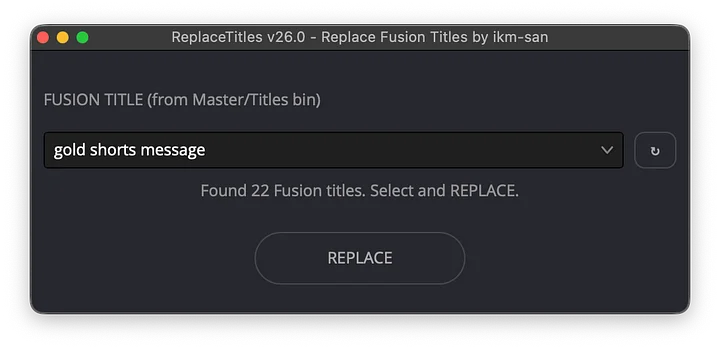
Upgrade: choose paid AutoTitles to remove the 45 second limit, or the bundle to add fast text revisions with ReplaceTitles.