ReplaceTitles for DaVinci Resolve Studio 21
✏️ ReplaceTitles v26.4
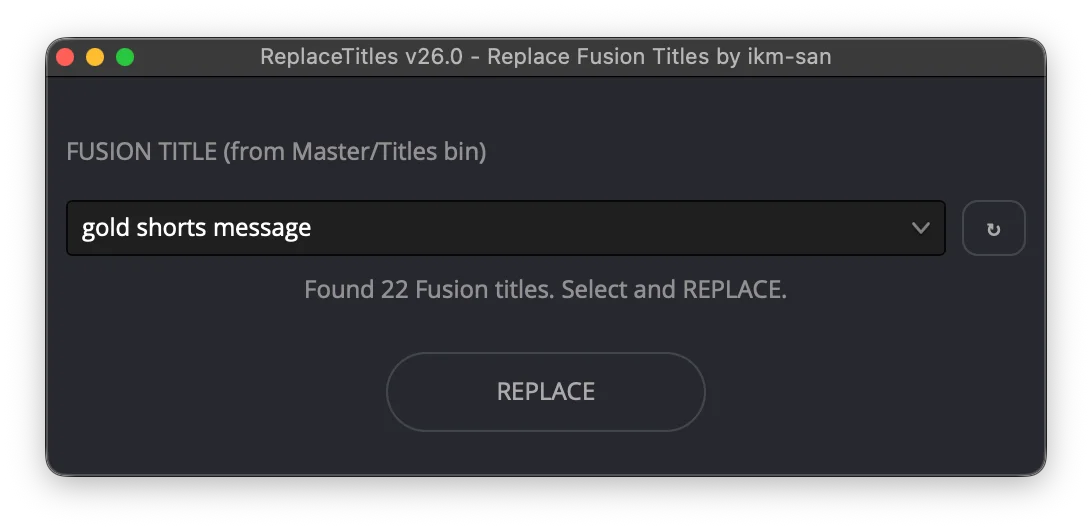
Replace text across Fusion Title clips
ReplaceTitles is a DaVinci Resolve script for editors who need to update many Fusion Title clips after they are already on the timeline.
Use it for caption revisions, wording fixes, localization passes, repeated phrase changes, and client notes.
Confirmed for macOS and Windows. Updated 2026-06-30 for v26.4.
✨ Why editors buy it
- Replace text in Fusion Title clips directly on the Resolve timeline.
- Work by current track or broader title-revision scopes.
- Keep timing, placement, design, animation, and Fusion structure intact.
- Avoid opening and editing title clips one by one.
- Speed up large caption and motion-graphics revisions.
- Use the same script package on macOS or Windows.
🛠 Common use cases
- Correct a repeated typo across a timeline.
- Update a client name, product name, or call to action.
- Revise translated captions after review.
- Shorten wording while keeping existing timing and design.
- Clean up long caption projects without rebuilding every title.
🔁 Works with AutoTitles
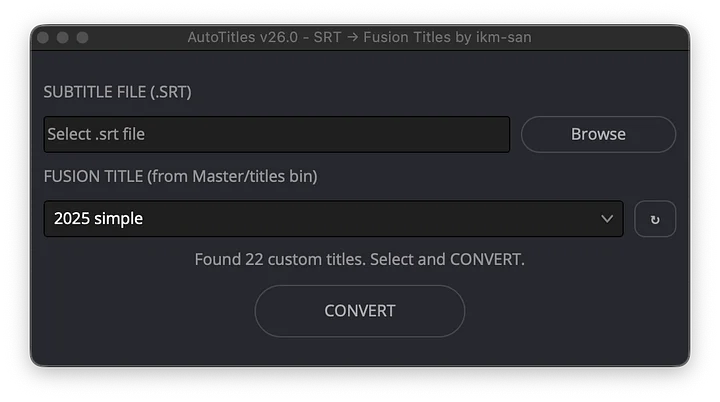
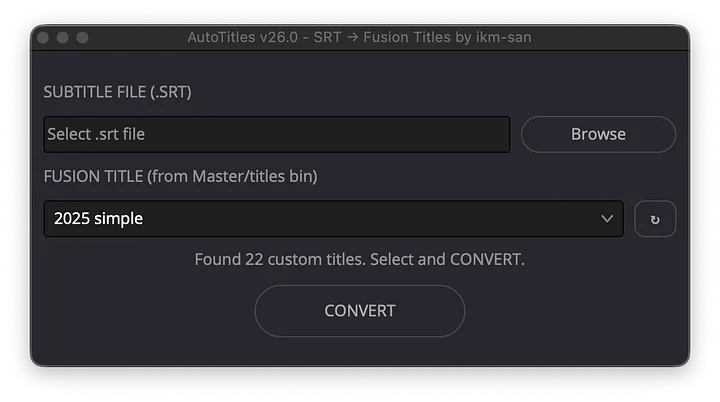
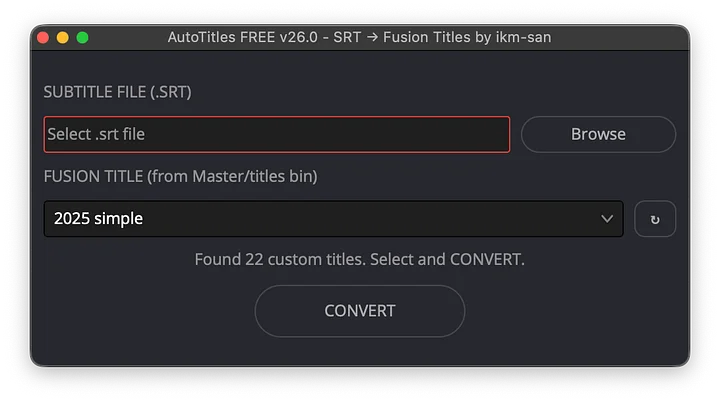
AutoTitles creates editable Fusion Title clips from subtitles. ReplaceTitles helps revise those clips later.
That means you can create captions quickly, style them in Fusion, and still handle text changes without starting over.
✅ Requirements
- DaVinci Resolve Studio 21.0 or newer.
- macOS or Windows.
- Fusion Title clips already on a Resolve timeline.
Included: ReplaceTitles Lua script, reusable title library, and setup instructions.
Choose the bundle if you also need to generate title clips from SRT files or Resolve subtitle tracks.